
The Laser247 app download is the quickest way to keep live cricket, football and casino markets one tap away on an Android phone. We ship the APK ourselves, send the link only through our official WhatsApp desk, and keep the file under 30 MB so it installs cleanly on budget handsets running 3G or 4G. This page explains how to get it, how to install it safely, and what iPhone users should do instead.
Where the official Laser247 APK comes from
We do not publish the app on the Play Store, because Google does not list real-money exchange apps in India. That means every working copy of the Laser247 app starts its life in a chat with our support team. When you ask for the app, the agent sends a direct file link from the official number, and that is the only source we stand behind.
If you already hold a Laser247 ID, open your existing WhatsApp thread and type “app link”. New players can request the ID and the APK in the same conversation. The two things arrive together, usually within 5 to 10 minutes of sharing your name, mobile number and city.
Why third-party APK sites are a problem
Search for “laser247 apk” and you will find dozens of download portals promising a 2026 version with a bigger bonus. None of them are ours. A modified APK can read what you type, replace our payment QR with someone else’s, or simply never connect to the exchange at all. We have handled support tickets where a player deposited ₹2,000 through a fake app and the money went to a stranger’s UPI handle. There is no way for us to recover that.
Three checks protect you:
- The link must come from the number you reach through the WhatsApp button on this site, not from a forwarded message or a Telegram group.
- The file should be well under 30 MB. Anything larger has been repackaged.
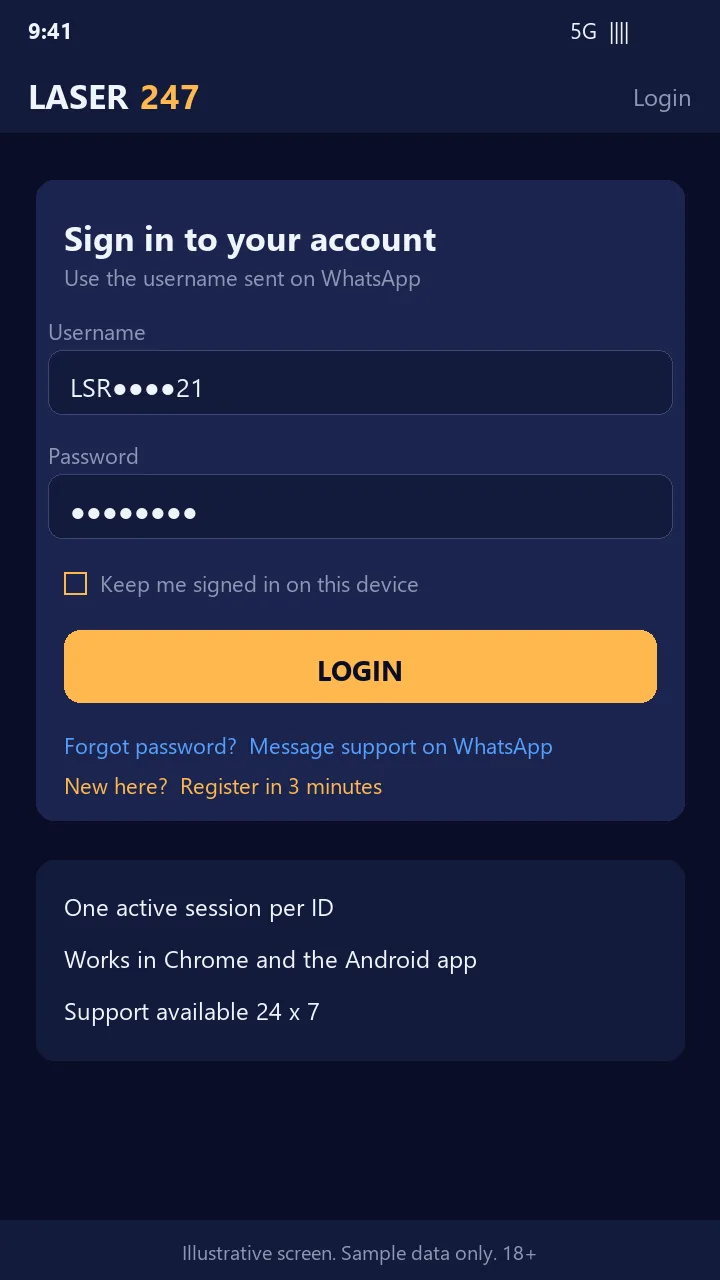
- After installing, the first screen must ask for the same username our agent gave you. A screen asking for your bank PIN or card number is not our app.
Installing the Laser247 app on Android
- Tap the file link in WhatsApp and let the download finish. On most phones it lands in the Downloads folder.
- Open the file. Android will warn that installs from this source are blocked. Tap Settings and allow installs from WhatsApp or from your browser, depending on which one opened the file.
- Return to the installer and tap Install. The process takes about 20 seconds on a mid-range phone.
- Open the app, enter your Laser247 username and password, and approve the login alert that arrives by SMS or email if two-factor login is on for your account.
- Go to Profile and switch on fingerprint or face unlock so you never type the password again on that device.
Once the first login succeeds you can turn the “unknown sources” permission back off. The app keeps working and future updates are delivered inside the app itself.
What the app actually does
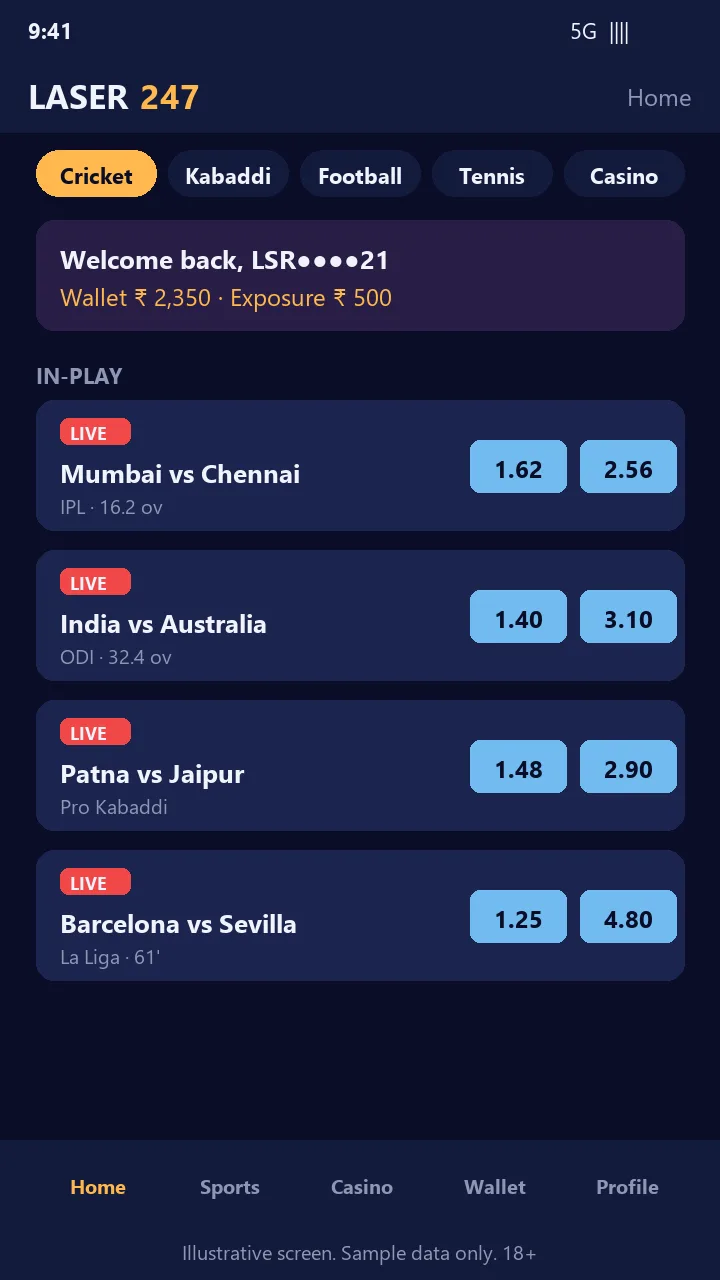
The app is the full exchange, not a cut-down viewer. You get the same back (blue) and lay (pink) columns you see on the website, the same wallet, and the same market depth. A few things work better on the app than in a mobile browser:
- Push alerts when a market you follow goes in-play or when a withdrawal is paid.
- One-tap UPI deposits that open PhonePe, Google Pay or Paytm directly and return you to the bet slip.
- Session persistence, so an IPL evening does not log you out between overs.
- Lower data use. A full T20 match of live odds refreshes costs well under 50 MB.
Live casino tables from Evolution Gaming and Pragmatic Play stream inside the app as well, so a Teen Patti hand and a cricket session bet sit in the same wallet.
iPhone users: use the mobile web version
Apple does not permit this category of app on the App Store in India, so there is no Laser247 app for iOS and anyone offering one is not us. Instead, open www-laser247.com in Safari, log in, and use the share menu to add the site to your Home Screen. The icon behaves like an app, supports Face ID for login, and runs the same markets at the same speed. We test every release on both Android and Safari, so iPhone players are not second-class.
Updates and version numbers
We push a new build roughly every few weeks, typically before a major tournament. When an update is available the app shows a banner on the home tab. Tap it, the new APK downloads over the old one, and your login, biometrics and saved deposit methods stay in place. You never need to uninstall first. If a banner asks you to download from a website address instead of inside the app, close it and message support, because that is not how we update.
Fixing common install and login problems
| Problem | Likely cause | What to do |
|---|---|---|
| “App not installed” | Old version still present or storage full | Free 100 MB of space, then reinstall over the existing app without uninstalling. |
| Login spins and times out | Weak network or a VPN | Switch off the VPN, move from Wi-Fi to mobile data, and try again. |
| Account locked message | Five wrong passwords in 15 minutes | Wait 30 minutes or ask the WhatsApp agent to unlock after a quick verification. |
| Odds frozen during a match | Background data restricted | In Android settings, allow unrestricted background data for the app. |
Ready to install? Get your Laser247 ID on WhatsApp and ask the agent for the app link in the same message. Both arrive in minutes, and the first deposit of ₹500 or more reflects in your wallet within 60 seconds.
Frequently asked questions
Is the Laser247 app free to download?
Yes. There is no charge for the APK, no subscription, and no fee on deposits or withdrawals made through the app. Our only income is the 2 to 5 percent commission on bets you win.
Can I use the same login on the app and the website?
Yes. One Laser247 ID covers the app, the mobile site and the desktop site. Balances, bet history and bonus credits sync instantly across all three.
Which Android version do I need?
The current build runs on Android 8 and above. Phones with 2 GB of RAM handle it comfortably because the app is built for Indian network conditions rather than flagship hardware.
Why does Android warn me about the file?
Every app installed outside the Play Store triggers that warning, including bank and government apps distributed privately. The warning is about the source, not the content. Make sure the source is our official WhatsApp number and proceed.
Does the app work on a Jio or Airtel 4G connection during IPL peaks?
Yes. Our servers sit in Mumbai and Bangalore, and the app is designed to keep odds refreshing on a congested 4G cell. If a specific match lags, switching between Wi-Fi and mobile data usually fixes it.
Related Laser247 guides
- How to get a Laser247 ID
- Laser247 login guide
- Laser247 registration steps
- Laser247 WhatsApp support number
- Deposits and withdrawals on Laser247
- All sports markets on Laser247
- Laser247 official website
18+ only. Betting involves financial risk. Set limits and play responsibly. See our responsible gaming page.